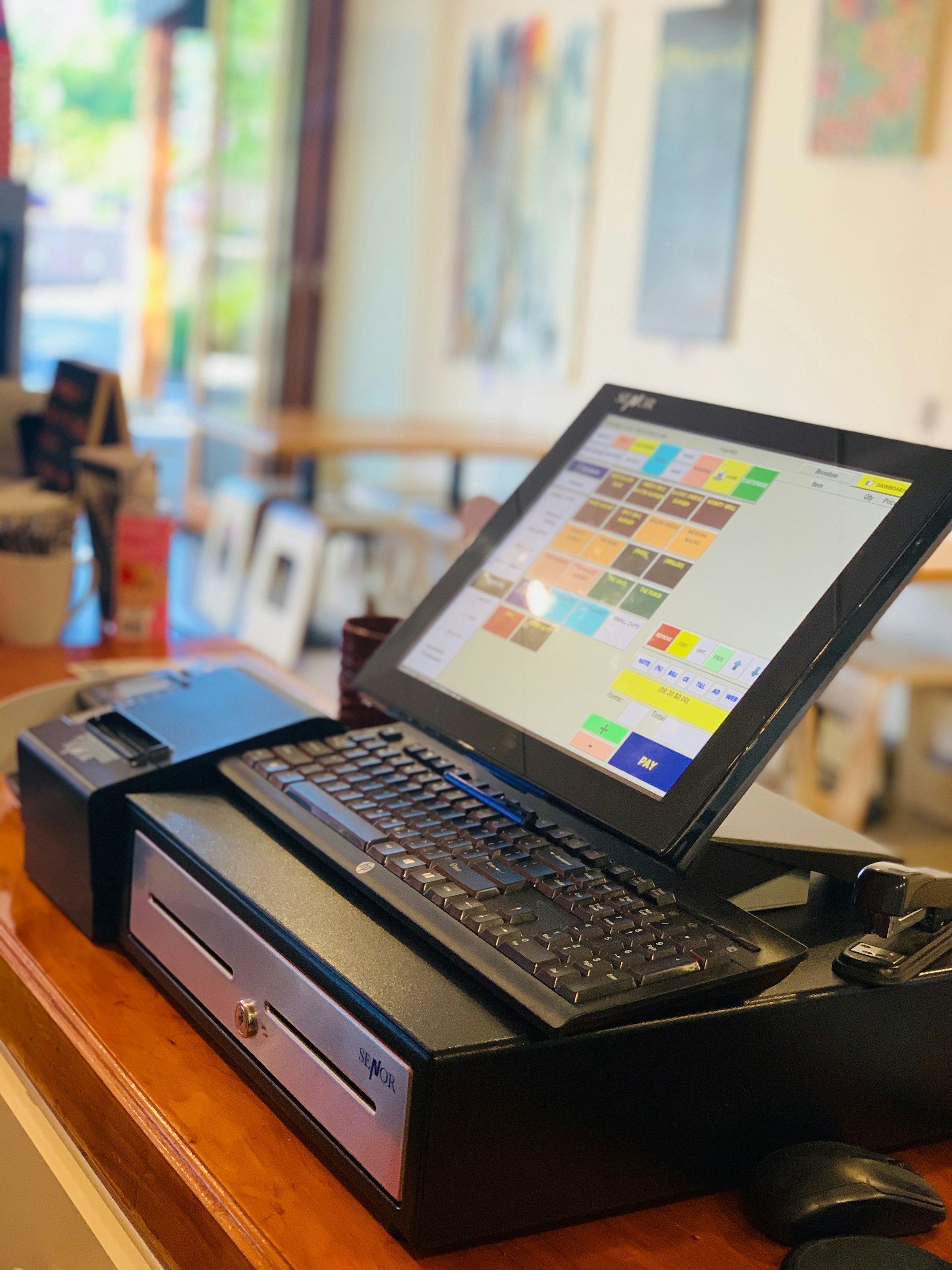
How dispensary point-of-sale misconfigurations lead to state audit failures, data breaches, and $50K+ penalties
Your cannabis point-of-sale system isn’t just where you ring up customers.
It’s where you store patient medical records (if you’re a medical dispensary). It’s connected to your state track-and-trace system (Metrc or BioTrack). It processes payment card data. It tracks your entire inventory in real-time.
And it’s probably wide open to attackers.
Here’s what we found after assessing 50+ cannabis dispensaries across 12 states:
- 73% are running outdated POS software with known vulnerabilities
- 62% use shared “budtender” accounts with no individual accountability
- 54% have their POS on the same network as customer WiFi
- 41% never changed default administrator credentials
- 38% leave POS tablets unlocked and unattended in back offices
One misconfiguration = state audit failure = $17,500-$52,500 penalty.
Let’s break down why your POS is a ticking time bomb—and what you can do about it.
The Problem: Your POS Wasn’t Built for Cannabis Compliance
Cannabis-specific POS systems like Dutchie, Flowhub, and Treez are great at what they do: inventory management, customer tracking, state reporting integration.
But they were built by software startups, not security companies.
Here’s what that means:
1. They Assume You’ll Configure Security Properly
Out of the box, most cannabis POS systems have:
- Generic admin credentials (
admin / admin123) - No network segmentation requirements
- Minimal access controls
- Optional two-factor authentication
- Default encryption settings
The problem: Most dispensaries install the POS, connect it to WiFi, and start selling. Security configuration never happens.
2. They’re Connected to Everything
Modern cannabis POS systems integrate with:
- State track-and-trace systems (Metrc, BioTrack, Leaf Data Systems)
- Payment processors (Hypur, CanPay, Aeropay)
- Banking platforms
- Loyalty programs
- E-commerce platforms
- Delivery services
- Inventory cameras
- Employee time clocks
Each integration = another attack surface.
3. They Store Sensitive Data You Didn’t Know About
Depending on your state and configuration, your POS might be storing:
- Patient medical records (HIPAA-regulated)
- Driver’s license scans
- Payment card data (PCI-DSS regulated)
- Purchase history (privacy laws apply)
- Employee Social Security numbers
- Cash handling records (IRS reporting)
If you get breached, you’re liable for ALL of it.
The 7 Deadly POS Misconfigurations
Here are the most common mistakes we see (and how attackers exploit them):
1. Default Credentials Still Active
What we see:
- Admin username:
admin - Password:
admin123orpasswordor the dispensary name
How attackers exploit it:
- Try common default credentials from manufacturer documentation
- Gain full administrative access in under 60 seconds
- Modify inventory, steal customer data, inject malware
Real example: California dispensary got breached because their Treez admin account was still set to the default password. Attackers modified Metrc inventory reports, triggering a state compliance audit. Penalty: $52,500.
Fix: Change ALL default credentials immediately. Use a password manager to generate strong, unique passwords for every admin account.
2. Shared “Budtender” Accounts
What we see:
- One login for all budtenders:
budtender1 / password123 - No individual user accounts
- No audit trail of who did what
How attackers exploit it:
- Disgruntled employee steals customer database
- No way to trace who accessed what
- Impossible to investigate internal theft
Compliance issue: State regulators require individual accountability for Metrc transactions. Shared accounts = automatic audit failure in most states.
Fix: Create individual user accounts for every employee. Disable accounts immediately when employees leave.
[SSAE 16/18 Physical Security Assessment ToolEvaluate and document physical security controls for SSAE 16/18 compliance with our comprehensive assessment framework. to their POS system. Downtime: 4 days. Lost revenue: $40,000+.
Fix: Segment your network. Create separate VLANs for: POS systems, employee devices, guest WiFi, security cameras, back-office systems.
4. Outdated Software with Known Vulnerabilities
What we see:
- POS software versions 2-3 years old
- “If it ain’t broke, don’t fix it” mentality
- Updates disabled because they “cause problems”
How attackers exploit it:
- Search CVE databases for known POS vulnerabilities
- Exploit unpatched bugs
- Gain access, steal data, install backdoors
Real example: Publicly disclosed vulnerability in a major cannabis POS system (CVE-2023-XXXX) allowed remote code execution. Over 200 dispensaries running outdated versions got targeted in a single campaign.
Fix: Enable automatic updates. Test updates in a staging environment first if you’re worried about stability. But DO NOT run vulnerable software.
5. No Two-Factor Authentication (2FA)
What we see:
- Login = username + password only
- No MFA/2FA requirement
- “It slows us down” excuse
How attackers exploit it:
- Phish employee credentials via fake email
- Login remotely from anywhere
- No second authentication factor to stop them
Fix: Enable 2FA on EVERY admin account. Use app-based 2FA (Google Authenticator, Authy), not SMS (SIM swapping attacks).
6. Tablets Left Unlocked in Back Office
What we see:
- POS tablets sitting on desk, logged in all day
- No auto-lock timeout
- Anyone walking by can access it
How attackers exploit it:
- Insider threat: disgruntled employee steals data during bathroom break
- Visitors (contractors, vendors, inspectors) see unlocked screen
- Shoulder surfing during busy periods
Fix: Enable auto-lock after 2 minutes of inactivity. Require biometric authentication (fingerprint/face ID) to unlock. Never leave devices logged in and unattended.
7. No Backup Strategy
What we see:
- “The POS vendor handles backups” (they don’t)
- No local backups
- No disaster recovery plan
How attackers exploit it:
- Deploy ransomware
- Encrypt your POS database
- Demand $50K+ ransom
- You have no backups, so you pay
Real example: Washington state dispensary lost 6 months of transaction data after ransomware attack. No backups. Had to manually reconstruct Metrc reports. State audit finding: major compliance violation.
Fix: Daily automated backups to external storage. Test restores quarterly. Keep 30 days of backup history.
State Regulators Are Watching
Here’s what state cannabis compliance auditors check during POS inspections:
✅ Individual user accountability - Can you trace every Metrc transaction to a specific employee? ✅ Data retention - Are you keeping transaction records for the required period (typically 3-7 years)? ✅ Access controls - Do terminated employees still have system access? ✅ Audit logs - Can you produce reports showing who accessed what and when? ✅ Metrc integration - Are your POS and Metrc data synchronized correctly?
Fail any of these = audit violation = fines + license risk.
How Much Does a POS Breach Actually Cost?
Let’s break down the real costs for a typical single-location dispensary:
Direct Costs:
- State compliance penalty: $17,500-$52,500
- PCI-DSS fine (if payment cards involved): $5,000-$100,000
- HIPAA violation (if medical dispensary): $10,000-$50,000 per incident
- Forensic investigation: $15,000-$30,000
- Legal fees: $10,000-$25,000
- Credit monitoring for affected customers: $3,000-$10,000
Indirect Costs:
- Lost revenue during downtime: $10,000-$50,000
- Customer churn: 15-30% reduction in traffic for 6 months
- Reputation damage: Impossible to quantify, but significant
- Insurance premium increase: 30-50% for 3 years
Total: $120,000-$380,000 for a “typical” breach.
And that’s assuming you don’t lose your license.
What You Should Do Right Now
If you operate a cannabis dispensary, here’s your action plan:
Today (30 minutes):
- Change ALL default credentials on your POS
- Enable two-factor authentication on admin accounts
- Check if your POS software is up to date
This Week (2-3 hours):
- Create individual user accounts for all employees
- Disable accounts for terminated employees
- Set up auto-lock on all POS tablets (2-minute timeout)
- Enable automatic software updates
This Month (4-8 hours):
- Segment your network (POS separate from guest WiFi)
- Set up daily automated backups
- Document your POS security configuration
- Train staff on security awareness (phishing, password hygiene)
This Quarter:
- Conduct a full POS security assessment
- Review access logs for suspicious activity
- Test your backup restore process
- Update your incident response plan
Need Help? We’ve Got You Covered.
At CannaSecure, we’ve assessed dozens of cannabis POS deployments across Dutchie, Flowhub, Treez, and other platforms.
CannaSecure Dispensary Members get:
✅ Complete POS hardening guides (Dutchie, Flowhub, Treez step-by-step with screenshots) ✅ Network segmentation templates (VLAN configs, firewall rules) ✅ 50-state compliance audit checklists (know what regulators will check) ✅ Incident response plan templates (customizable for your dispensary) ✅ Monthly threat intelligence (new vulnerabilities, attack trends) ✅ Private Discord community (ask questions, get answers from other operators)
Start your 7-day free trial. No credit card required.
The Bottom Line
Your cannabis POS isn’t just a cash register. It’s the central nervous system of your entire compliance and security posture.
One misconfiguration can cost you $50K+ in penalties. One breach can cost you your license.
Stop gambling with your business. Secure your POS system today.
Related Reading:
- How to Prepare for Your First State Cannabis Compliance Audit
- Metrc Security Mistakes That Cost Dispensaries $50K+
- The Real Cost of a Cannabis Data Breach (Calculator Tool)
About the Author: Andrew is the founder of CannaSecure and has completed 400+ security assessments across healthcare, finance, and now cannabis. He brings 15+ years of compliance expertise (HIPAA, PCI-DSS, NIST) to help cannabis businesses pass audits and prevent breaches.
Did this article help you? Subscribe to get cannabis-specific security intelligence delivered weekly.
                ## Sign up for Canna Secure

                Protecting Cannabis Businesses from Breaches & Audit Failures


                Subscribe


            .nc-loop-dots-4-24-icon-o{--animation-duration:0.8s}
            .nc-loop-dots-4-24-icon-o *{opacity:.4;transform:scale(.75);animation:nc-loop-dots-4-anim var(--animation-duration) infinite}
            .nc-loop-dots-4-24-icon-o :nth-child(1){transform-origin:4px 12px;animation-delay:-.3s;animation-delay:calc(var(--animation-duration)/-2.666)}
            .nc-loop-dots-4-24-icon-o :nth-child(2){transform-origin:12px 12px;animation-delay:-.15s;animation-delay:calc(var(--animation-duration)/-5.333)}
            .nc-loop-dots-4-24-icon-o :nth-child(3){transform-origin:20px 12px}
            @keyframes nc-loop-dots-4-anim{0%,100%{opacity:.4;transform:scale(.75)}50%{opacity:1;transform:scale(1)}}


            Email sent! Check your inbox to complete your signup.


                No spam. Unsubscribe anytime.